Best Otter.ai Alternative for Privacy: MinuteAI Local Transcription
Looking for a private alternative to Otter.ai? MinuteAI processes audio entirely on-device — no cloud uploads, no subscriptions for core features.

Otter.ai has become a household name in transcription software, but growing privacy concerns, mandatory cloud processing, and escalating subscription costs are driving users to seek alternatives. If you’re looking for a transcription tool that keeps your data local and gives you complete control over your recordings, MinuteAI offers a fundamentally different approach.
Why Users Are Leaving Otter.ai
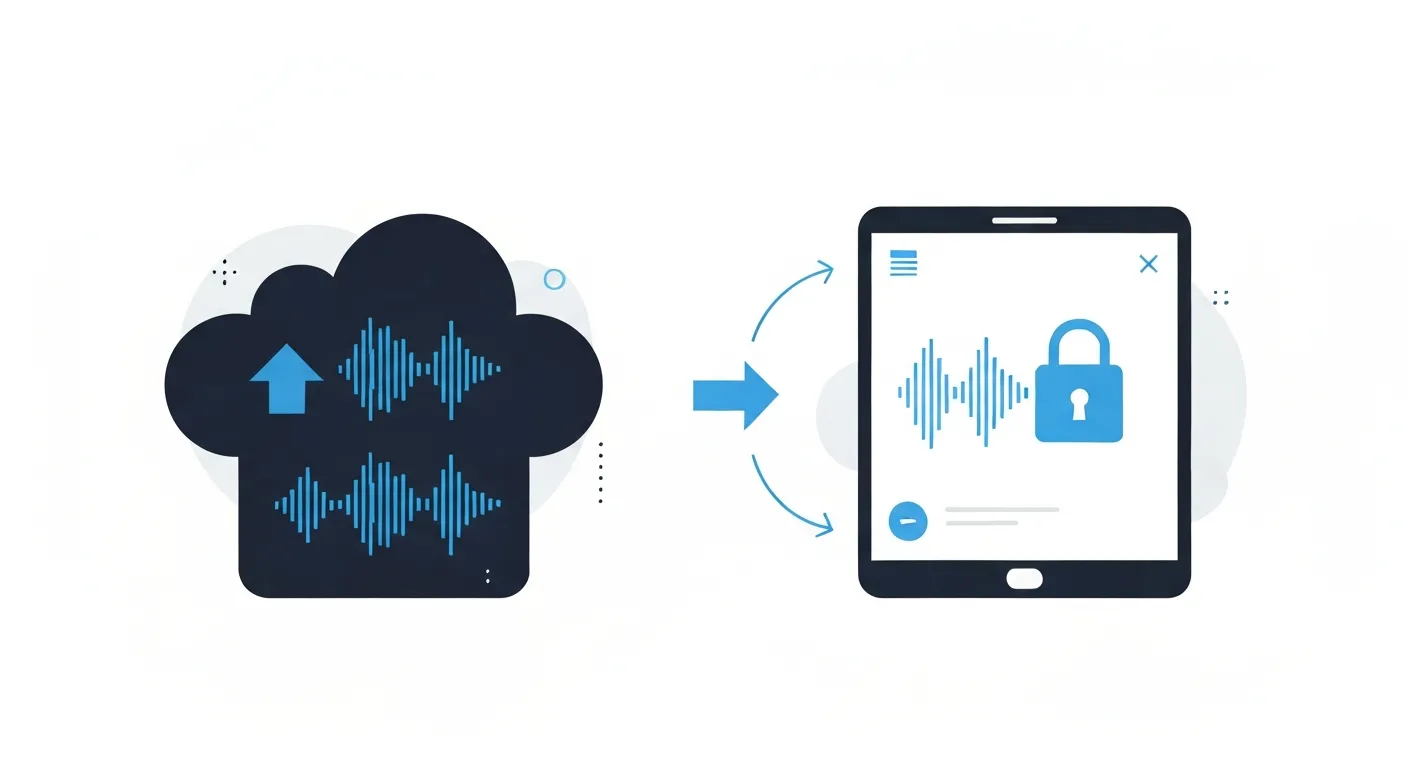
The shift away from Otter.ai isn’t about poor transcription quality — the service works well for many use cases. Instead, users are moving to alternatives for several critical reasons that impact both privacy and long-term usability.
Cloud Dependency and Data Privacy
Every recording you upload to Otter.ai is processed on their servers. While the company has privacy policies in place, this architecture means your audio files — containing potentially sensitive conversations, confidential business discussions, or personal information — are transmitted over the internet and stored on third-party infrastructure.
For journalists protecting sources, lawyers handling privileged communications, healthcare professionals dealing with patient information, or business executives discussing unreleased strategies, this cloud dependency creates unacceptable risk. Even with encryption in transit, your data exists outside your control once uploaded.
Pricing and Recording Limits
Otter.ai’s free tier restricts you to 300 minutes per month — barely enough for 5-6 hour-long meetings. The Basic plan ($16.99/month) increases this to 1,200 minutes but still caps individual recordings at 90 minutes. For anyone with regular transcription needs, you’re quickly forced into the Pro tier ($30/month) or Business plan ($40/user/month).
These costs add up fast. A small team of five users on the Business plan pays $200/month or $2,400/year for transcription services, with all data still processed in the cloud.
Account Requirements and Platform Lock-In
Using Otter.ai requires creating an account, providing personal information, and agreeing to terms that allow the company to analyze your transcripts for service improvement. While users can opt out of some data collection, the fundamental architecture still requires uploading your audio.
Platform lock-in is another concern. Your transcripts live in Otter.ai’s ecosystem. While exports are possible, switching services means migrating potentially thousands of transcripts and rebuilding workflows.
Network Dependency
Otter.ai requires a stable internet connection for transcription. In offline environments — on flights, in areas with poor connectivity, or in secure facilities that restrict network access — the service becomes unusable. This limitation forces users to delay transcription until connectivity is restored, disrupting workflows and creating backlogs.
MinuteAI vs Otter.ai: Feature Comparison
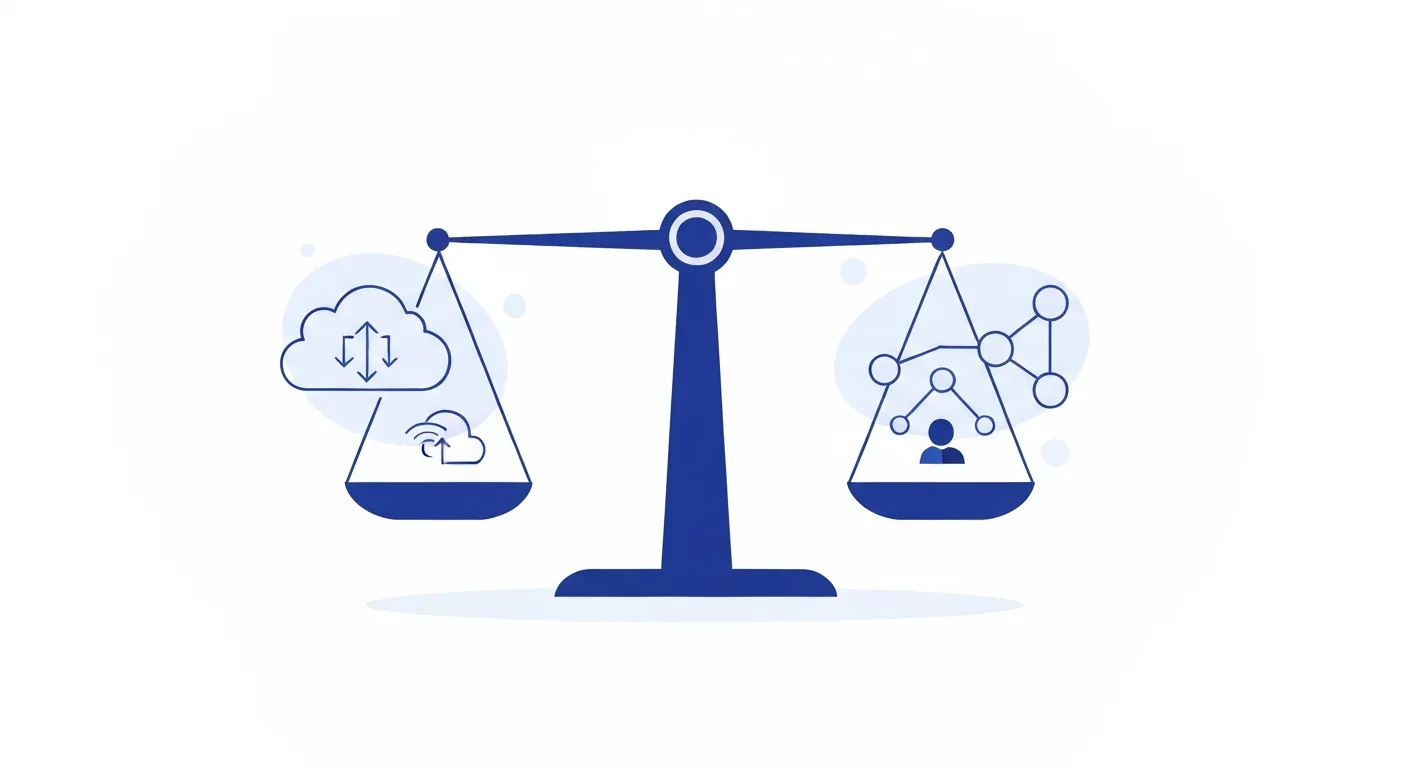
Understanding how these services differ helps clarify which solution fits your needs:
| Feature | Otter.ai | MinuteAI |
|---|---|---|
| Processing Location | Cloud-only | 100% on-device |
| Internet Required | Yes, always | No (fully offline) |
| Account Required | Yes | No |
| Data Storage | Otter.ai servers | Your device only |
| Monthly Limits (Free) | 300 minutes | Unlimited recordings under 10 minutes each |
| Recording Length Limit | 90 min (Basic) | 10 minutes (Free), Unlimited (Pro) |
| Transcription Engines | Proprietary (1) | WhisperKit, FluidAudio, Apple Speech, OpenAI Whisper API (4) |
| Platform Support | Web, iOS, Android | Mac (Apple Silicon), iOS, Chrome Extension |
| Subscription Cost | $16.99–$40/month | Free (under 10 minutes), Pro $7.99/month, $69.99/year, or $99.99 one-time |
| Speaker Identification | Yes (automatic) | Yes (with diarization) |
| AI Summaries | Yes (cloud-based) | Yes (local LLM) |
| Export Formats | TXT, PDF, SRT, DOCX | TXT, SRT, VTT, JSON |
| Live Transcription | Yes | Yes (Mac/Chrome) |
| Compliance | SOC 2, GDPR | No data collection = simplified compliance |
The fundamental difference is architectural: Otter.ai is cloud-first with local access, while MinuteAI is local-first with optional cloud features.
What MinuteAI Does Differently
MinuteAI’s approach to transcription prioritizes privacy and user control through several key design decisions that set it apart from cloud-based alternatives.
Four Transcription Engines for Different Needs
Rather than relying on a single proprietary model, MinuteAI offers four distinct transcription engines:
-
WhisperKit — Local processing using OpenAI’s Whisper models, supports 99 languages with models ranging from Tiny (~40MB) to Large-v3-Turbo (~3GB). Runs entirely on-device using Apple’s Neural Engine. Ideal for interviews, meetings, and content creation where accuracy and privacy are paramount.
-
FluidAudio — Local engine optimized for speed on Apple Silicon, processes recordings up to 50× faster than standard Whisper while maintaining excellent accuracy. Supports 55 languages. Perfect for batch processing large audio libraries.
-
Apple Speech Analyzer — Built-in macOS/iOS speech recognition supporting 45+ languages. Lightweight integration with system features for convenient on-device processing.
-
OpenAI Whisper API — Optional cloud-based processing for highest accuracy when privacy allows. Requires internet connection but delivers state-of-the-art results.
The first three engines process audio entirely on your Mac or iPhone using Apple’s Neural Engine. No audio data leaves your device during transcription unless you explicitly choose the optional cloud API.
No Account, No Tracking, No Uploads
MinuteAI doesn’t require account creation. Download the app, grant microphone permissions, and start transcribing. There’s no signup form, no email verification, no profile to manage.
The app doesn’t track usage, doesn’t send telemetry, and doesn’t upload transcripts for “quality improvement.” Your recordings and transcripts exist only on your device’s storage, under your complete control.
Privacy by Architecture
Many services claim to be private but still collect metadata, usage statistics, or anonymized data. MinuteAI’s architecture makes data collection impossible because the transcription pipeline never connects to external servers:
- Audio is captured by your device’s microphone or imported from files
- Audio is processed by local AI models
- Transcripts are saved to your device’s storage
- Exports use standard file formats you control
There’s no backend database storing your transcripts, no API calls logging your requests, no server-side processing analyzing your content. The privacy isn’t a policy promise — it’s an architectural guarantee.
Free Tier for Short Recordings, Pro for Unlimited Processing
MinuteAI’s free tier allows unlimited recordings up to 10 minutes each, using on-device transcription engines (WhisperKit, FluidAudio, Apple Speech). You also get basic AI enhancement (10/month), export to TXT and Markdown, and speaker diarization (up to 3 speakers).
For heavy users, MinuteAI Pro ($7.99/month, $69.99/year, or $99.99 one-time with 7-day free trial) unlocks unlimited batch processing, unlimited AI enhancement, advanced summaries and action items, PDF export with formatting, priority support, unlimited speaker diarization, and custom enhancement prompts. This makes it economical for researchers processing interview datasets, content creators transcribing videos, or professionals handling multiple daily meetings.
Migrating from Otter.ai to MinuteAI
Switching transcription tools doesn’t have to be disruptive. Here’s how to transition from Otter.ai to MinuteAI while preserving your existing transcripts and establishing a new privacy-focused workflow.
Exporting Your Otter.ai Library
Before canceling your Otter.ai subscription, export your existing transcripts:
- Log into Otter.ai and navigate to each conversation
- Click the three-dot menu and select “Export”
- Choose TXT format for plain text or PDF for formatted output
- Download and organize files by project or date
For bulk exports, Otter.ai’s API allows automated downloading, though you’ll need technical expertise or third-party tools to access it.
Setting Up MinuteAI
- Download MinuteAI for Mac or iPhone
- Launch the app and grant microphone permissions
- Choose your default transcription engine (Whisper recommended for accuracy)
- Configure speaker diarization if you frequently record multi-person conversations
Importing Existing Audio Files
If you have original audio files from meetings or interviews:
- Drag and drop audio files into MinuteAI
- Select your preferred transcription engine
- Process recordings locally to generate new transcripts
- Review and export in your preferred format
Establishing a Local-First Workflow
To maximize privacy going forward:
- For Mac meetings: Use MinuteAI’s built-in recorder or Chrome extension for Google Meet/Zoom
- For iPhone interviews: Record directly in MinuteAI with automatic transcription
- For video content: Extract audio with tools like ffmpeg, then import to MinuteAI
- For collaboration: Export transcripts as text files and share via encrypted channels
Handling Historical Data
Your old Otter.ai transcripts exist in two places: the exported files you downloaded and Otter.ai’s servers. After confirming your exports are complete:
- Delete conversations from your Otter.ai account
- Request data deletion per GDPR/CCPA rights if applicable
- Cancel your subscription to prevent future billing
Store exported transcripts in encrypted folders on your device or encrypted cloud storage if backup is needed.
Who Should Switch?
MinuteAI’s privacy-first approach makes it ideal for specific user groups where data control isn’t just a preference — it’s a requirement.
Journalists and Media Professionals
Source protection is paramount. Uploading interview recordings to cloud services creates audit trails, potential subpoena targets, and risks of unauthorized access. MinuteAI keeps source audio on your device, eliminating these exposure points. Transcribe investigative interviews, off-the-record conversations, and confidential briefings without creating cloud-based evidence of the recording’s existence.
Legal Professionals
Attorney-client privilege extends to recordings and transcripts. Using cloud transcription services introduces third parties into privileged communications, potentially waiving confidentiality protections. MinuteAI processes depositions, client meetings, and strategy sessions locally, maintaining privilege and satisfying bar ethics requirements around client data protection.
Healthcare Providers
HIPAA compliance prohibits transmitting patient health information to non-BAA (Business Associate Agreement) covered services. Most consumer transcription services don’t offer BAAs or charge premium fees for compliance. MinuteAI’s local processing means PHI never leaves your device, simplifying compliance and eliminating the need for business associate agreements.
Corporate Executives and Product Teams
Pre-release product discussions, M&A negotiations, financial planning sessions — these conversations contain market-moving information. Cloud transcription services represent unnecessary risk. MinuteAI allows executive teams to transcribe strategic conversations without exposing competitive intelligence to third-party platforms.
Researchers and Academics
IRB protocols often require specific data handling procedures. Interview subjects may consent to local recording but not cloud processing. MinuteAI supports compliant research workflows where participant data remains under researcher control throughout the transcription process.
Privacy-Conscious Individuals
If you simply prefer that your personal conversations, therapy sessions, creative brainstorming, or family recordings remain private, MinuteAI provides peace of mind. No company policy change, data breach, or terms-of-service update can compromise data that never left your possession.
Users in Offline Environments
Whether you’re on flights, in secure facilities, in developing regions with limited connectivity, or anywhere network access is restricted, MinuteAI works fully offline. Transcribe immediately without waiting for internet access.
Otter.ai serves a broad market with cloud convenience, but that convenience comes with privacy trade-offs and recurring costs. MinuteAI offers a fundamentally different value proposition: complete data control, on-device processing, and privacy by design. For users where these factors matter more than cloud sync and collaboration features, the switch represents a clear upgrade in both privacy and economics.
Competitor pricing as of early 2026 and subject to change. Check provider websites for current rates.
Compare Otter.ai and MinuteAI features in detail at /compare/otter-ai, or explore how local AI transcription works in our guide to running AI locally on Mac. For broader context on privacy-preserving AI tools, read our comparison of ChatGPT vs local AI models.
Try MinuteAI Free on Mac
Privacy-first AI transcription running entirely on your device. No uploads, no subscriptions required to start.
Download for MacRelated Articles
MacWhisper vs MinuteAI: Which Local Transcription App Is Better?
Detailed comparison of MacWhisper and MinuteAI for local AI transcription on Mac. Features, pricing, engines, OCR, and privacy compared side-by-side.
Use CasesPrivate AI Workflow for Journalists: Protect Sources with Local Transcription
How journalists use local AI transcription to protect confidential sources. Record, transcribe, and analyze interviews without any cloud exposure.
WorkflowsAnalyze YouTube Videos Locally: Transcribe & Summarize Without Cloud APIs
Download and analyze YouTube videos on your Mac using local AI. Get transcripts, summaries, and key points without sending data to cloud services.