NotebookLM Alternative That Works Offline: Local AI Transcription with MinuteAI
Looking for a NotebookLM alternative that works offline? MinuteAI processes audio locally on your device — no Google account or internet required.

Google’s NotebookLM has gained attention as an AI-powered research assistant that can analyze documents, take notes, and answer questions about your content. But if you’re working with audio files and concerned about privacy, NotebookLM’s cloud-dependent architecture might not be the right fit. MinuteAI offers a fundamentally different approach: everything runs locally on your Mac or iPhone, with no data ever leaving your device.
What Is NotebookLM and Why Look for Alternatives?
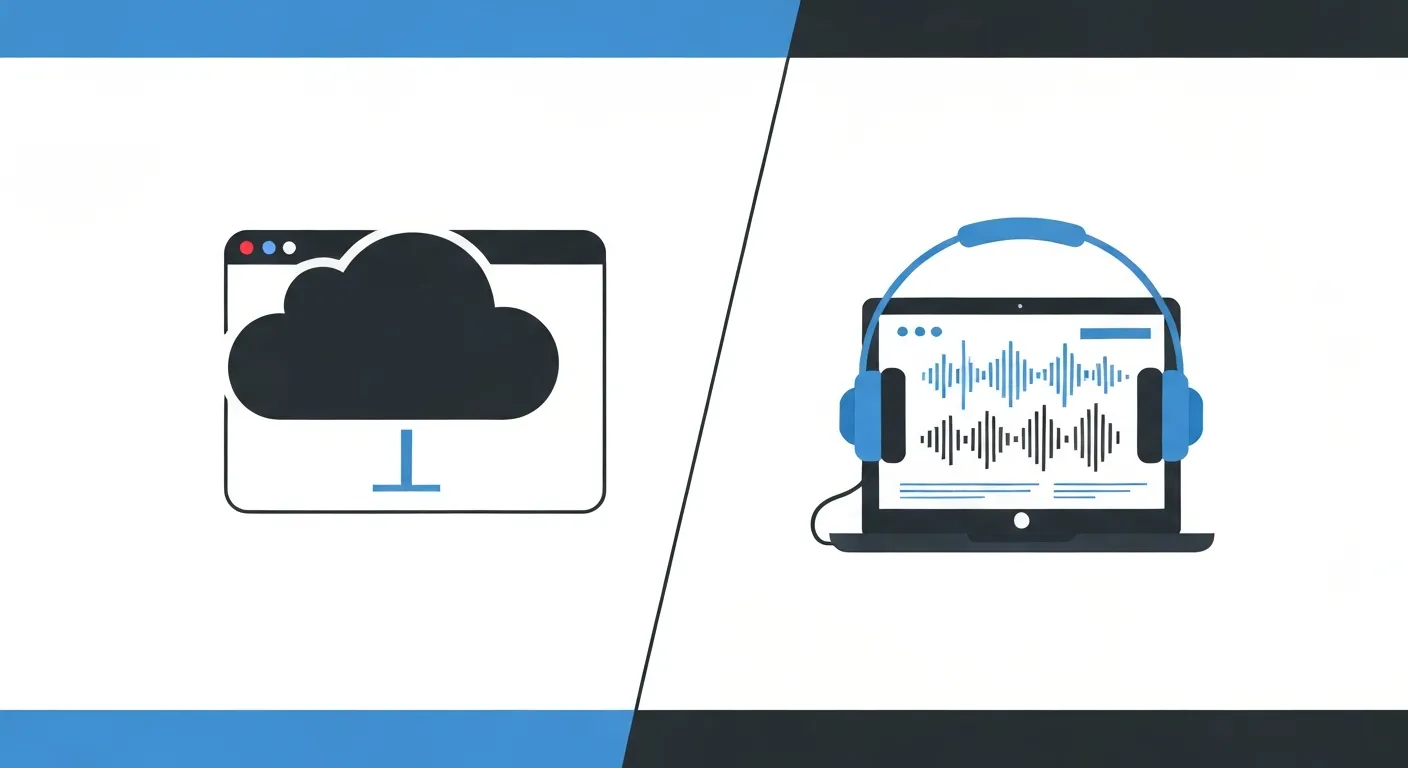
NotebookLM is Google’s experimental AI notebook that helps users organize research materials and extract insights from documents. It can read PDFs, Google Docs, and text files, then answer questions and generate summaries using Google’s Gemini AI model. The tool has proven useful for students, researchers, and content creators who need to synthesize information from multiple sources.
However, NotebookLM comes with significant limitations that drive users to seek alternatives:
Cloud Dependency: Every document you upload gets processed on Google’s servers. This means you need a stable internet connection and must trust Google with potentially sensitive information. For professionals handling confidential client data, medical records, legal documents, or proprietary research, this cloud requirement creates unacceptable privacy risks.
Google Account Required: You can’t use NotebookLM without a Google account, which means your usage is tracked and tied to your identity. Google’s business model relies on data collection, and while they claim NotebookLM data isn’t used for ad targeting, the fundamental architecture still involves uploading your private information to their servers.
Limited Audio Support: While NotebookLM primarily focuses on text documents, its audio capabilities are minimal compared to dedicated transcription tools. If your primary use case involves recording meetings, interviews, or lectures, you need a tool designed specifically for audio processing.
Internet Requirement: No internet means no access to your notes or transcriptions. For users who travel frequently, work in areas with poor connectivity, or simply want to work offline, this creates a serious productivity barrier.
These limitations have created demand for alternatives that prioritize privacy, offline functionality, and specialized audio processing capabilities.
MinuteAI vs NotebookLM: Key Differences

The two tools serve different primary purposes, but understanding their architectural differences helps clarify which fits your workflow better:
| Feature | NotebookLM | MinuteAI |
|---|---|---|
| Primary Focus | Document analysis & research | Audio transcription & processing |
| Processing Location | Google’s cloud servers | Your device (100% local) |
| Internet Required | Yes, always | No, works completely offline |
| Account Required | Google account mandatory | No account needed |
| Privacy Model | Data uploaded to Google | Data never leaves your device |
| AI Engines | Google Gemini only | 4 options: WhisperKit, FluidAudio, Apple Speech, OpenAI Whisper API |
| Platforms | Web only | Mac, iPhone, iPad |
| Audio Sources | Limited | Multiple: files, recordings, dictation, URLs |
| Cost | Free (currently experimental) | Free (under 10 minutes), Pro $7.99/month, $69.99/year, or $99.99 one-time |
| Data Ownership | Stored in Google’s cloud | You control all files locally |
| Source Protection | No guarantees | Air-gapped processing |
The fundamental architectural difference matters most: NotebookLM requires you to upload sensitive information to Google’s servers, while MinuteAI processes everything locally without any data transmission.
What MinuteAI Does Better
For users focused on audio transcription and privacy, MinuteAI delivers capabilities that NotebookLM can’t match:
Multiple Transcription Engines: Unlike NotebookLM’s single AI model, MinuteAI lets you choose from four different transcription engines. WhisperKit (supports 99 languages) and FluidAudio (55 languages, 50× faster) run entirely on-device for complete privacy. Apple Speech Analyzer integrates with macOS/iOS for system-level features (45+ languages). OpenAI Whisper API offers optional cloud-based processing for highest accuracy when privacy allows. This flexibility lets you match the tool to your specific needs.
Truly Offline Operation: Download your preferred AI model once, and MinuteAI works forever without internet. This isn’t just convenient—it’s essential for protecting confidential information. No internet connection means no possibility of data leaks, no risk of server breaches, and no dependency on third-party infrastructure. Learn more about running AI locally on your Mac to understand how on-device processing works.
Apple Ecosystem Native: MinuteAI is built specifically for macOS and iOS, taking advantage of Apple’s Neural Engine, unified memory architecture, and privacy-focused operating system design. The app feels native because it is—not a web wrapper or cross-platform port. Features like iCloud sync (encrypted, optional), Handoff between devices, and Shortcuts automation integrate seamlessly with your existing Apple workflow.
No Account, No Tracking: You don’t sign up for MinuteAI, you just download and use it. No email required, no profile created, no usage analytics sent anywhere. The app doesn’t even have the capability to track you because it has no network code for telemetry. This stands in stark contrast to NotebookLM’s requirement that you sign in with Google and accept their terms of service.
Specialized Audio Features: MinuteAI is purpose-built for audio processing with features NotebookLM doesn’t offer: support for dozens of audio formats, speaker diarization to identify different voices, timestamp-accurate editing, export to multiple formats (TXT, SRT, VTT, PDF), and direct integration with recording hardware.
For professionals who need to transcribe sensitive conversations—therapists, lawyers, journalists, researchers, executives—these privacy and capability advantages aren’t nice-to-haves, they’re requirements.
Where NotebookLM Has Advantages
Fair comparison requires acknowledging what NotebookLM does better:
Multi-Source Analysis: NotebookLM excels at synthesizing information from multiple documents simultaneously. You can upload research papers, articles, and notes, then ask questions that draw connections across all sources. MinuteAI focuses on audio transcription rather than cross-document analysis.
Research Integration: For students and researchers working primarily with text documents rather than audio, NotebookLM’s document-focused features may be more relevant. Its ability to cite sources and generate study guides serves academic use cases well.
Web Accessibility: Because NotebookLM runs in a browser, you can access it from any device without installing software. This convenience comes at the cost of privacy, but for users working with non-sensitive public information, the tradeoff might be acceptable.
Current Free Status: While NotebookLM is currently free, remember it’s labeled “experimental.” Google has a history of discontinuing free services or adding subscription fees once users are locked in. MinuteAI’s business model is transparent: free tier for recordings under 10 minutes, Pro subscription ($7.99/month, $69.99/year, or $99.99 one-time with 7-day free trial) for unlimited batch processing, unlimited AI enhancement, and advanced features.
The key insight: NotebookLM optimizes for convenience and multi-source research, while MinuteAI optimizes for audio processing and absolute privacy. If you’re comparing the tools, you’re likely prioritizing privacy for sensitive audio—which makes MinuteAI the better fit.
Best Use Cases for Each Tool
Choose NotebookLM if you:
- Work primarily with text documents rather than audio
- Need to analyze multiple sources simultaneously
- Handle only non-sensitive, public information
- Always have reliable internet access
- Don’t mind sharing data with Google
- Focus on academic research or content synthesis
Choose MinuteAI if you:
- Need to transcribe recordings, meetings, or interviews
- Handle confidential or sensitive information
- Require offline functionality for privacy or connectivity
- Want complete control over your data
- Work within the Apple ecosystem
- Need professional-grade audio processing
- Value source protection for journalism or legal work
For comparison with other transcription tools, see our analysis of ChatGPT vs local AI to understand the broader privacy landscape.
Make the Switch to Private Audio Processing
If you’ve been using NotebookLM for audio transcription but want better privacy and offline capability, MinuteAI offers a straightforward migration path:
- Download MinuteAI for free from the Mac App Store
- Choose your AI engine: WhisperKit for maximum privacy, Apple Speech for system integration, or FluidAudio for fastest processing
- Import your audio files: Drag and drop recordings or import from URLs
- Transcribe offline: Process everything locally without any data leaving your device
- Export your transcripts: Get text files, Markdown, PDFs (with Pro), or subtitle formats for use in other tools
Your audio never touches the internet, no Google account required, no tracking, no compromises. Explore MinuteAI features to see how local audio processing protects your privacy while delivering professional results.
For users handling sensitive information, the choice isn’t really between NotebookLM and MinuteAI—it’s between cloud dependency and true privacy. MinuteAI ensures your confidential conversations stay confidential, processed entirely on your own device, under your complete control.
Competitor pricing as of early 2026 and subject to change. Check provider websites for current rates.
Try MinuteAI Free on Mac
Privacy-first AI transcription running entirely on your device. No uploads, no subscriptions required to start.
Download for MacRelated Articles
MacWhisper vs MinuteAI: Which Local Transcription App Is Better?
Detailed comparison of MacWhisper and MinuteAI for local AI transcription on Mac. Features, pricing, engines, OCR, and privacy compared side-by-side.
Use CasesPrivate AI Workflow for Journalists: Protect Sources with Local Transcription
How journalists use local AI transcription to protect confidential sources. Record, transcribe, and analyze interviews without any cloud exposure.
WorkflowsAnalyze YouTube Videos Locally: Transcribe & Summarize Without Cloud APIs
Download and analyze YouTube videos on your Mac using local AI. Get transcripts, summaries, and key points without sending data to cloud services.